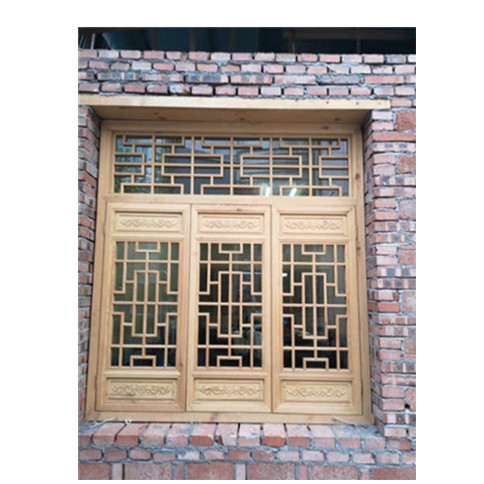
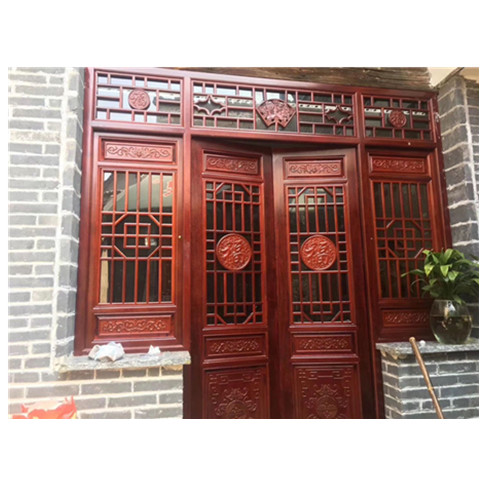
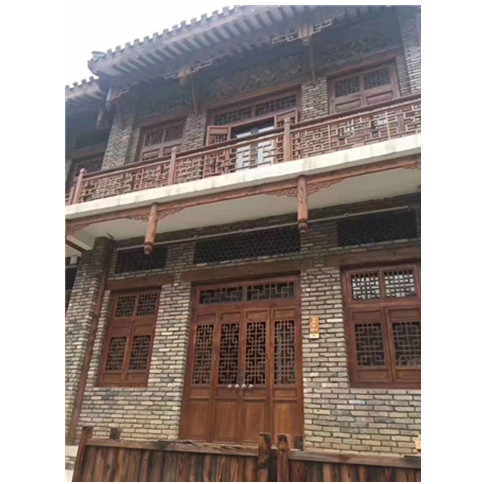
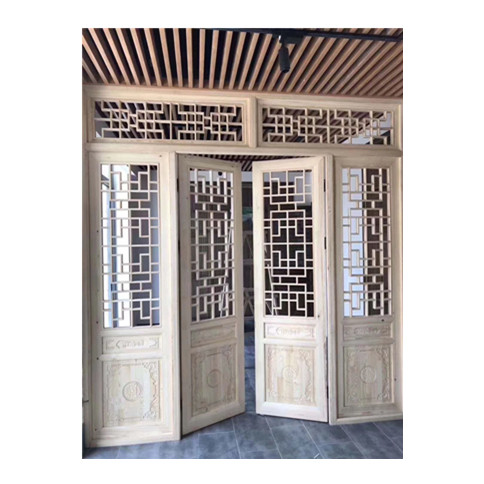
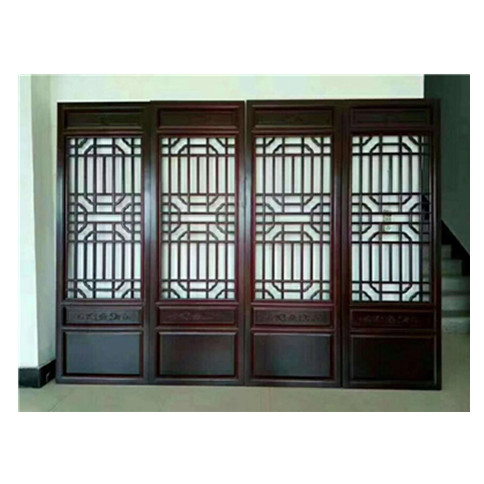
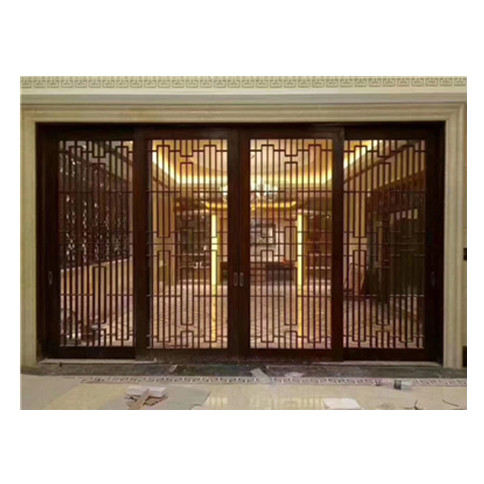
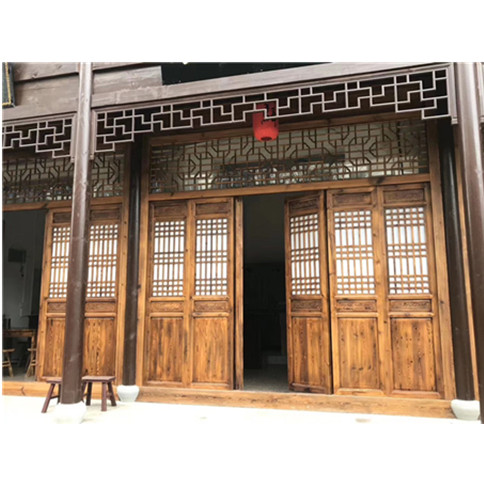
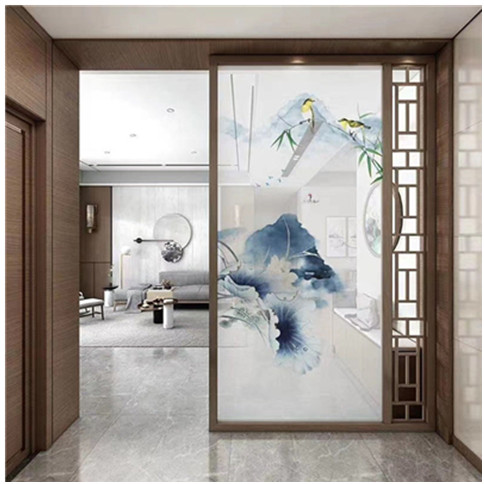
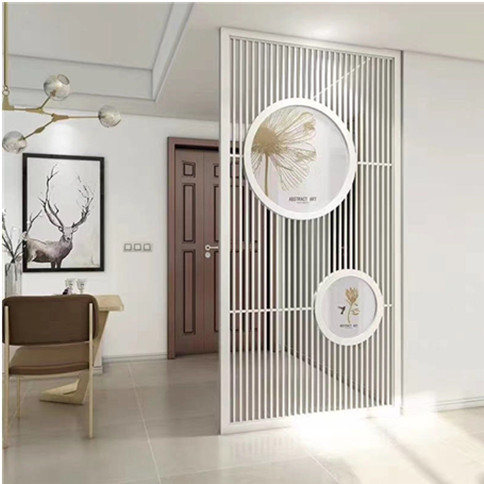
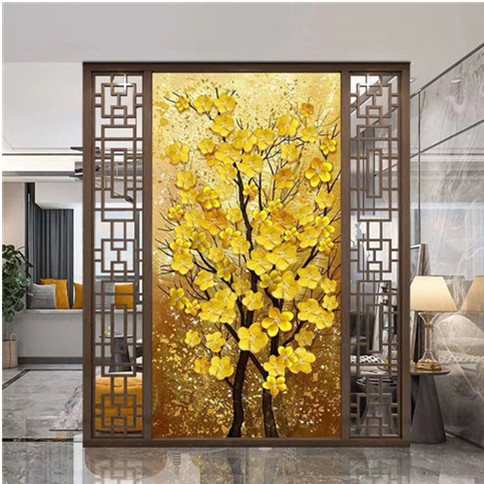
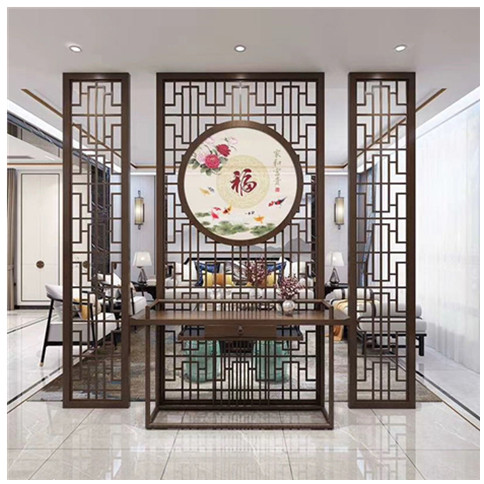
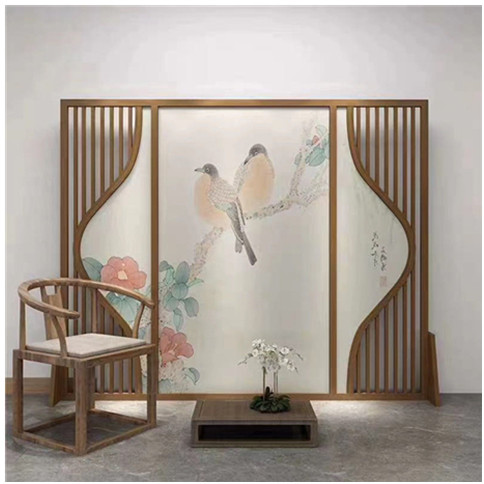
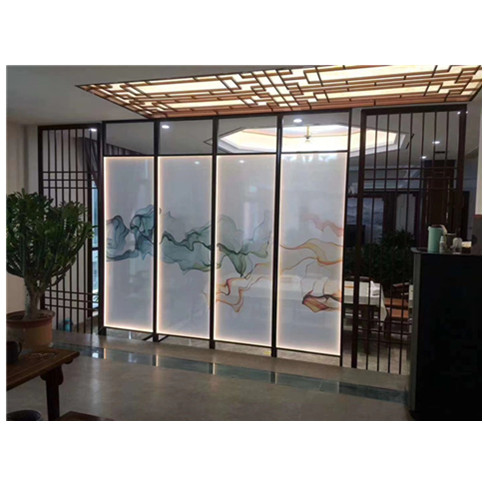
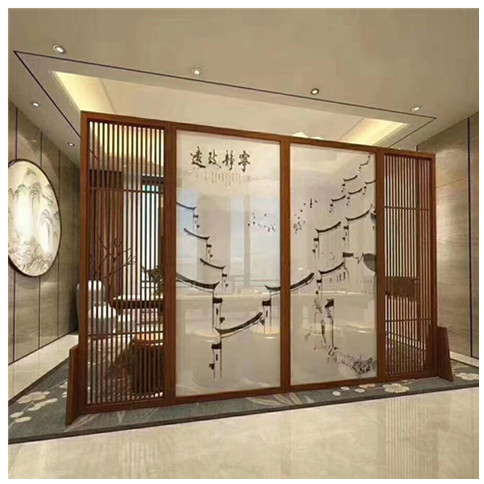
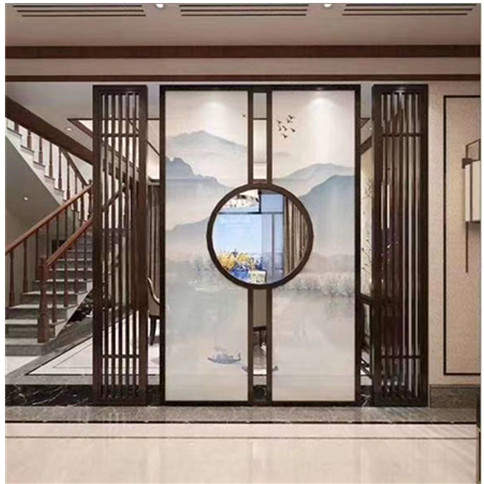
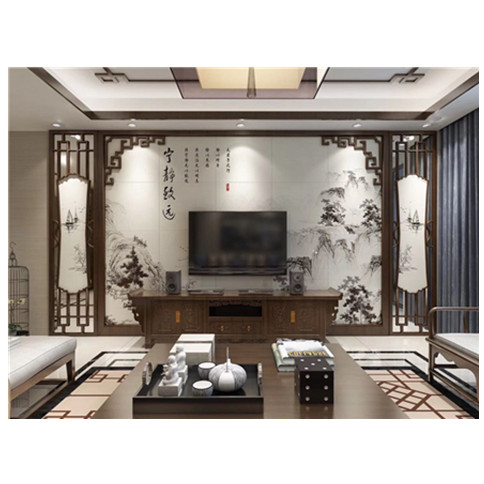
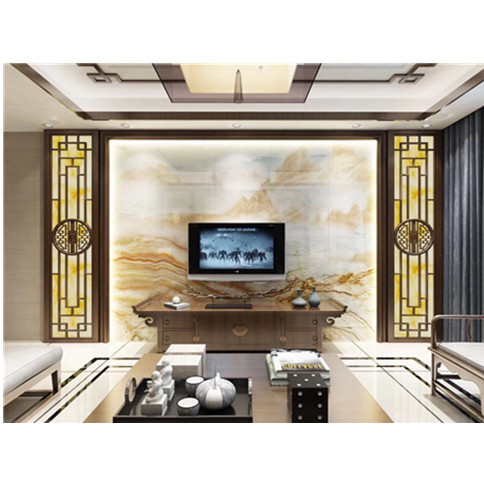
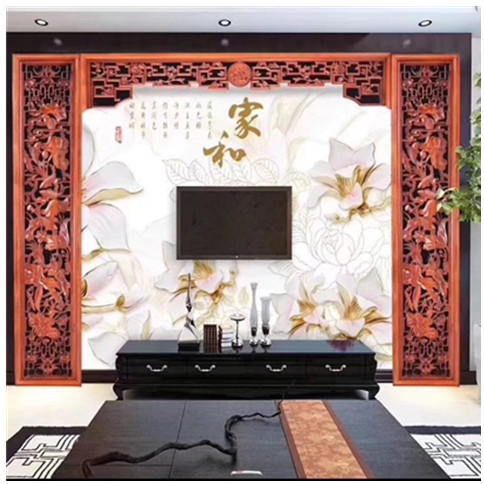
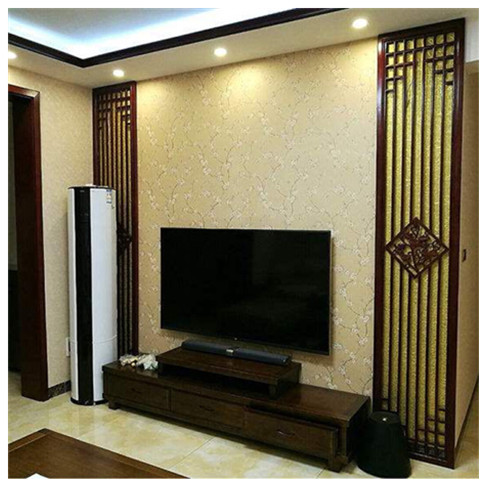
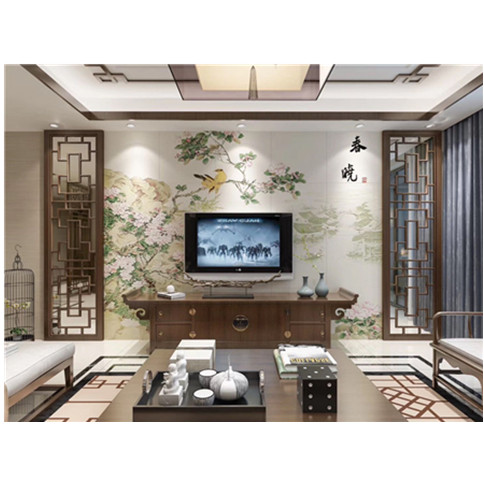
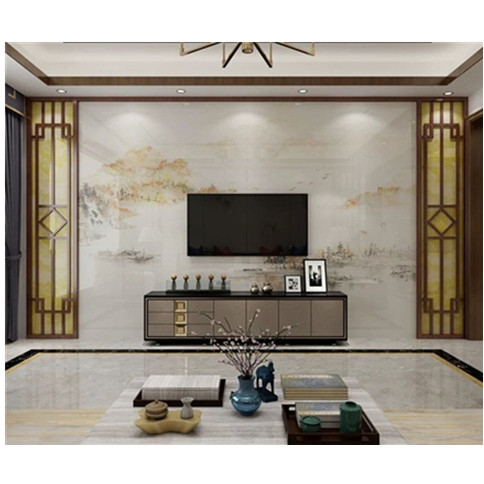
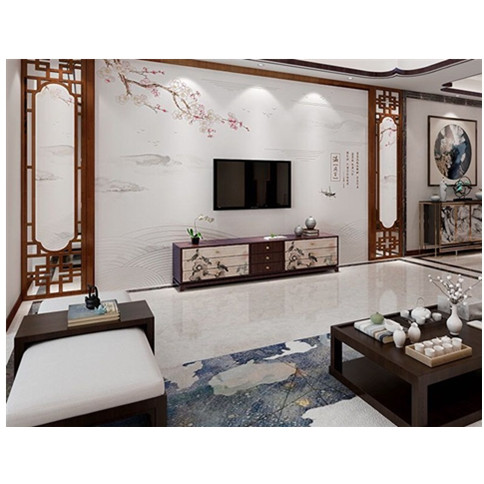
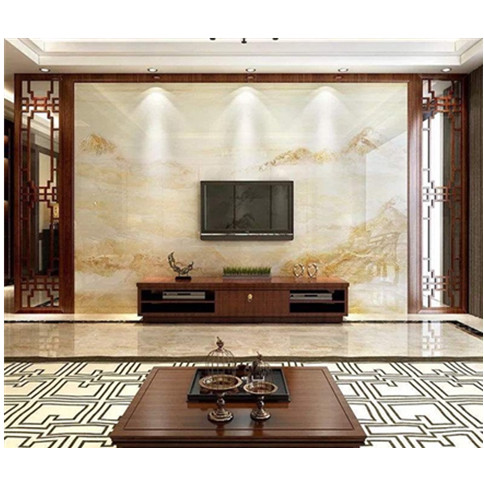
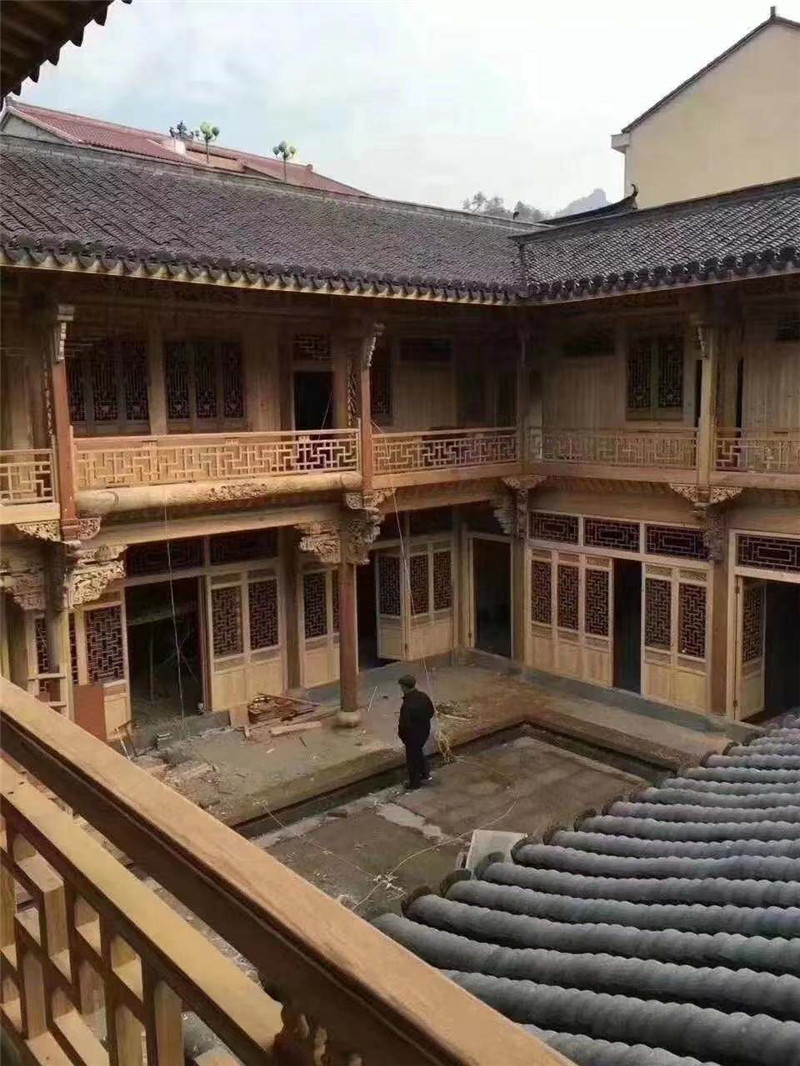
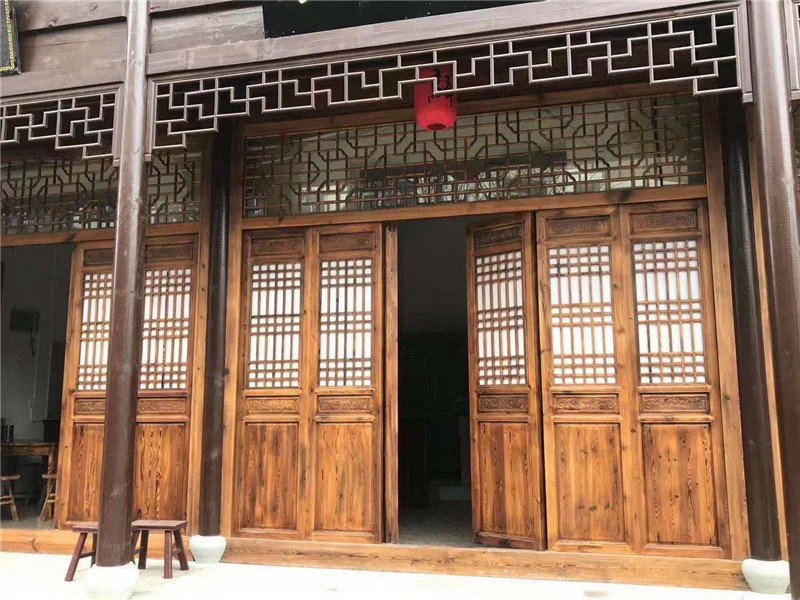
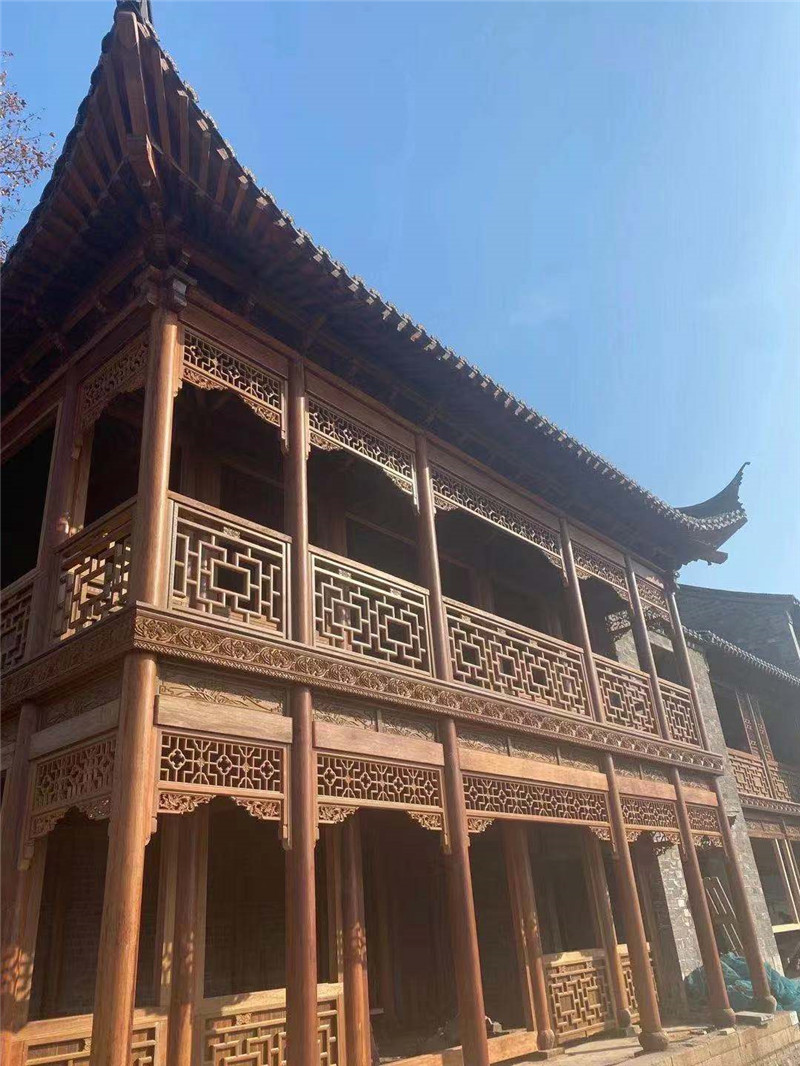
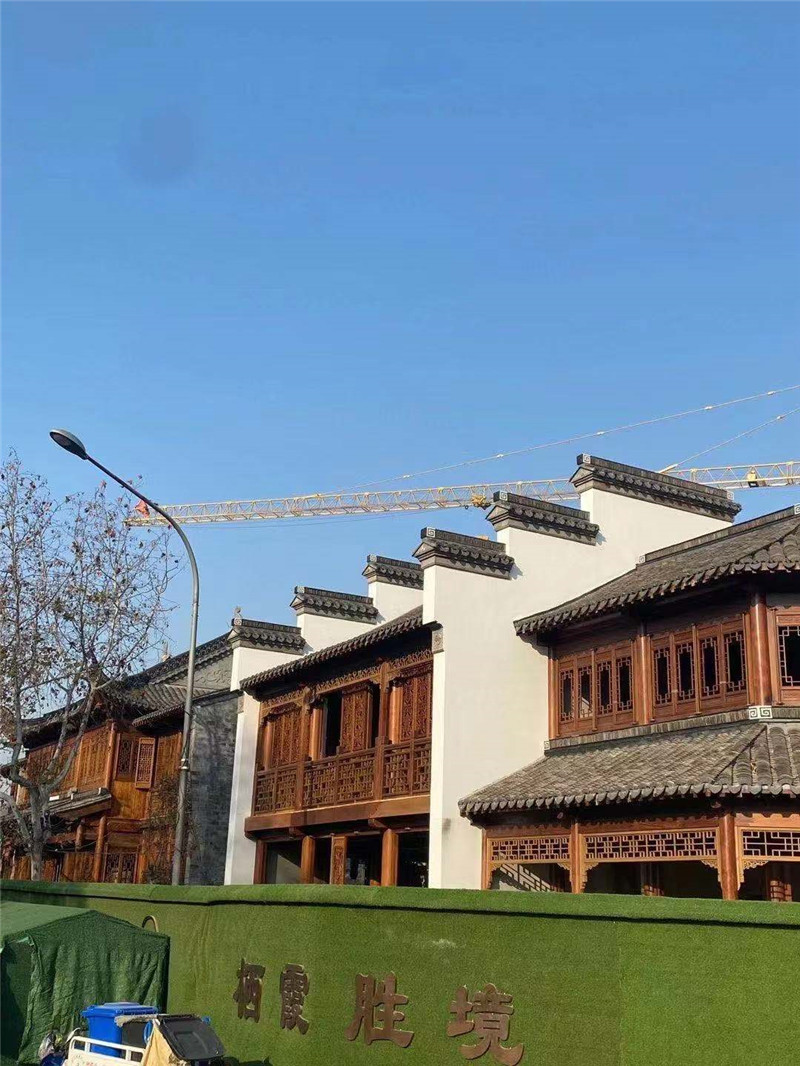
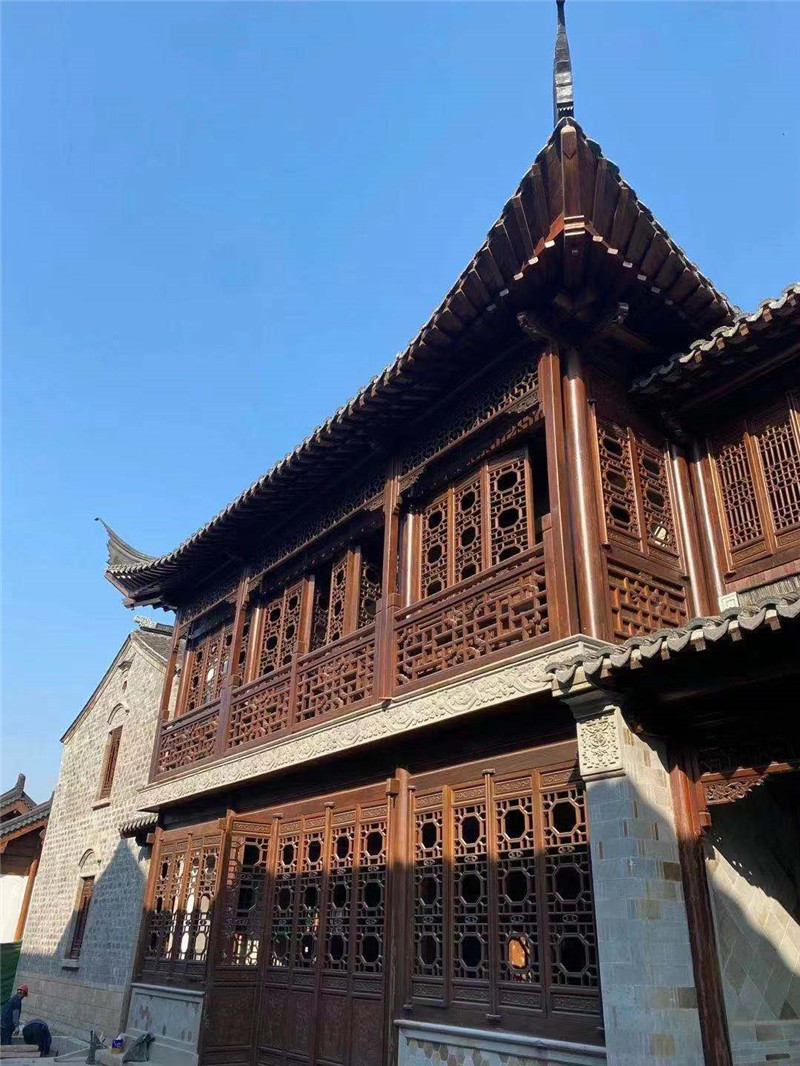
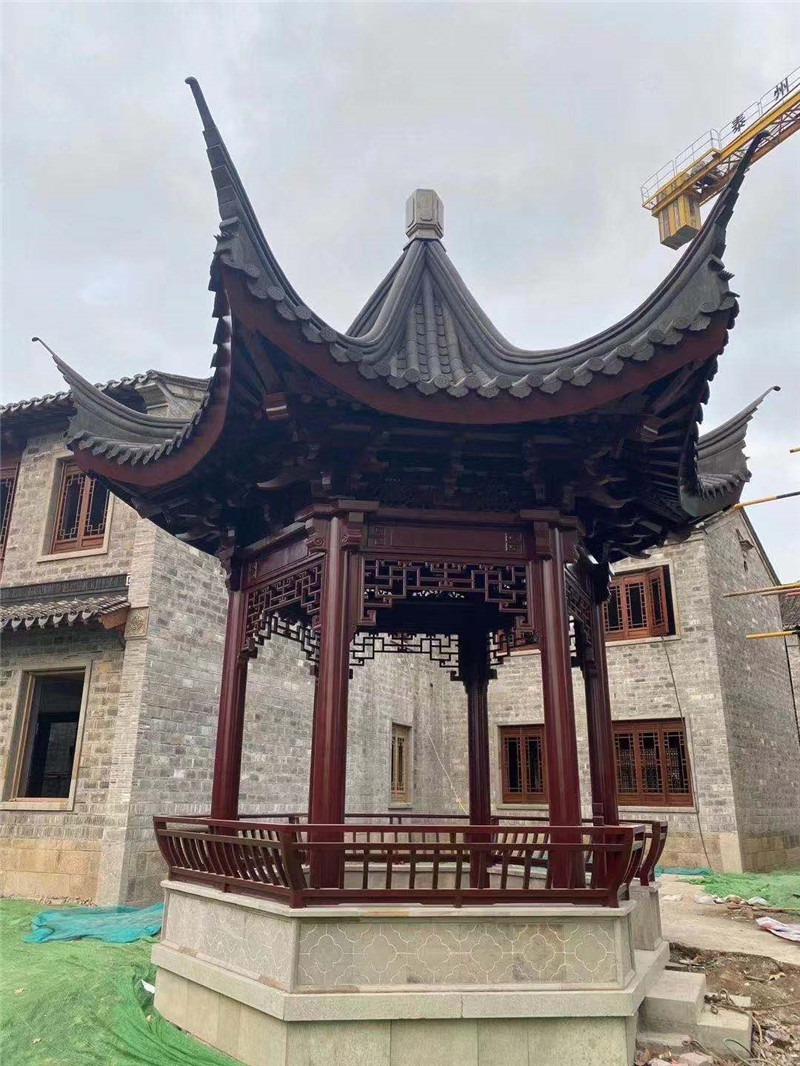
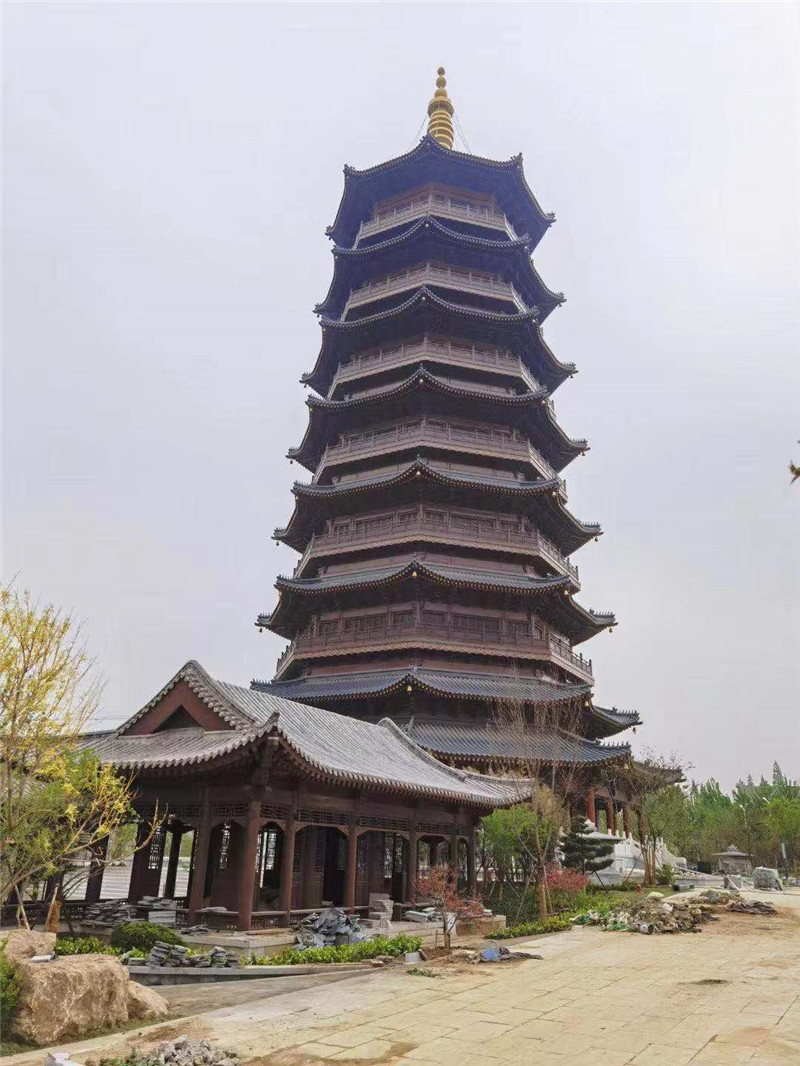
“東陽市南馬紫龍仿古工藝品廠”是一家專業(yè)生產(chǎn)明清家具、仿古家具、仿古門窗、屏風(fēng)、掛件、木雕、鏡框等各類木制工藝品的企業(yè)。其產(chǎn)品精工細(xì)作,別具特色,廣泛應(yīng)用于酒店、廟宇、茶樓、園林、會(huì)議室、家居等室內(nèi)裝飾。本廠選料考究,經(jīng)名師的精雕細(xì)作,產(chǎn) 品古風(fēng)古韻,既體現(xiàn)了“古樸典雅”的產(chǎn)品特色,又溶入了現(xiàn)代氣息,兼具實(shí)用和收藏價(jià)值。
“以質(zhì)量求生存,以信譽(yù)求發(fā)展”是本廠的經(jīng)營(yíng)宗旨,由此我們建立了一批長(zhǎng)期合作的固定客戶,產(chǎn)品暢銷全國(guó)各大中城市。
本廠熱忱歡迎國(guó)內(nèi)外客商前來洽談及來樣加工,并對(duì)我們公司的產(chǎn)品和服務(wù)提出寶貴意見,我們將以上乘的品質(zhì),優(yōu)惠的價(jià)格,細(xì)致的服務(wù)與您精誠(chéng)合作。
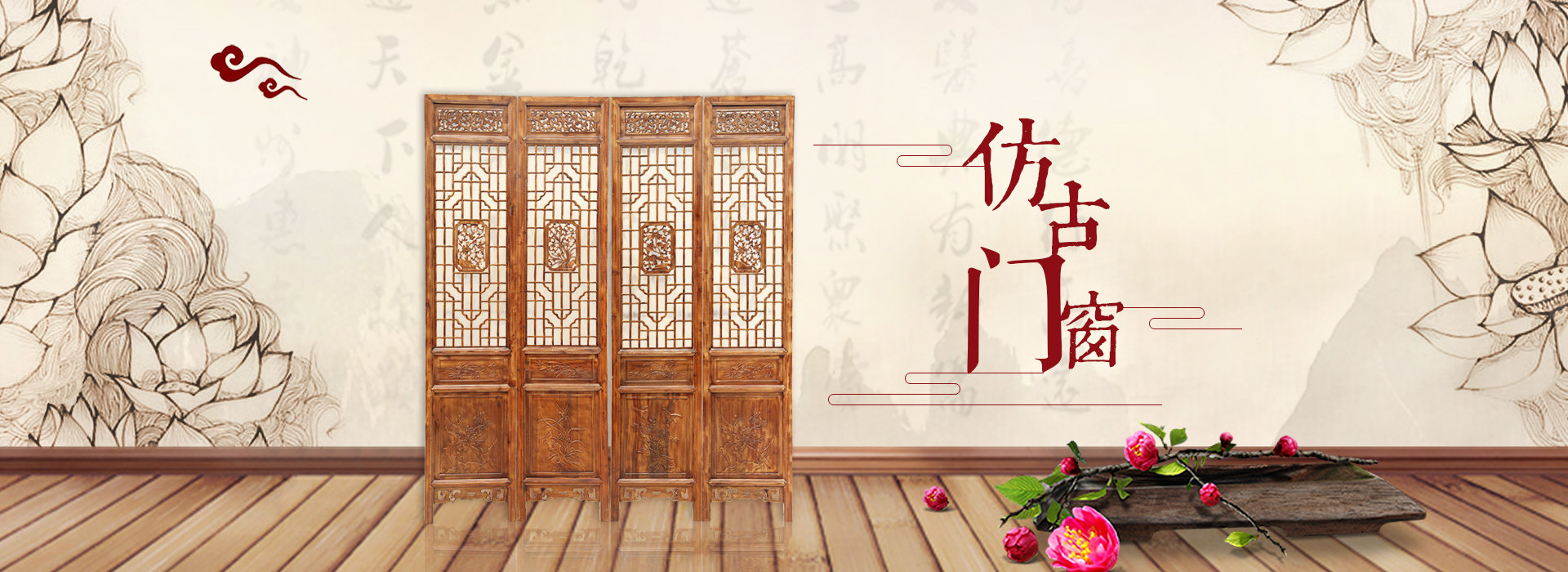
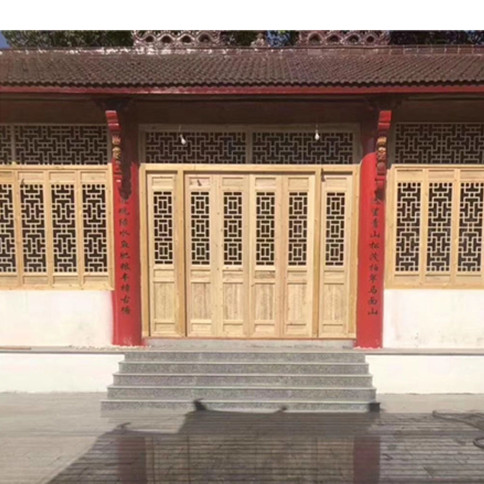
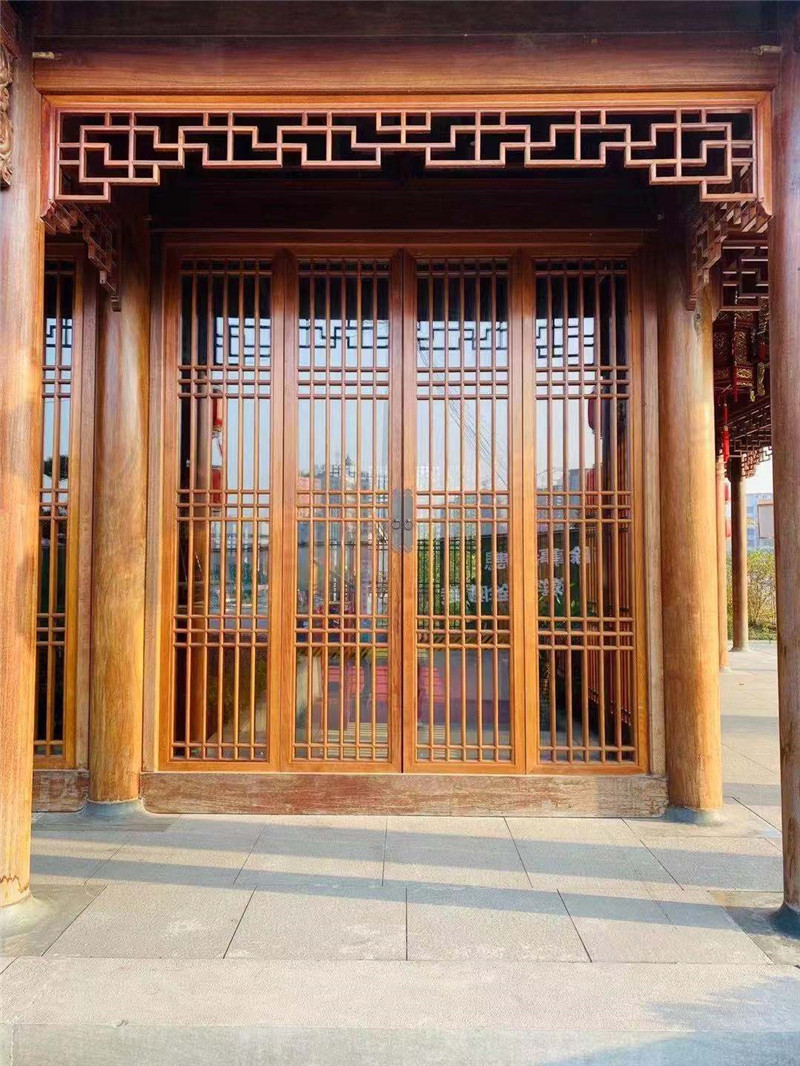
仿古門窗 以其精致的手工紋,深沉的色彩成為當(dāng)下時(shí)尚人群追逐懷舊的另一種潮流,讓那些愛好時(shí)尚的人群有了新的落腳點(diǎn),更容易沉浸在往日美好的回憶之中.
東陽仿古木雕 就是床,柜,桌,椅等家具摹擬古人時(shí)候的家庭用具.對(duì)于喜歡傳統(tǒng)文化的人仿古木雕是個(gè)不錯(cuò)的選擇.......